Verification and print forms
A signed document can be verified without access to the system. The QR code on the print form opens a public page with the signatures and the file hash.
Included in all plans.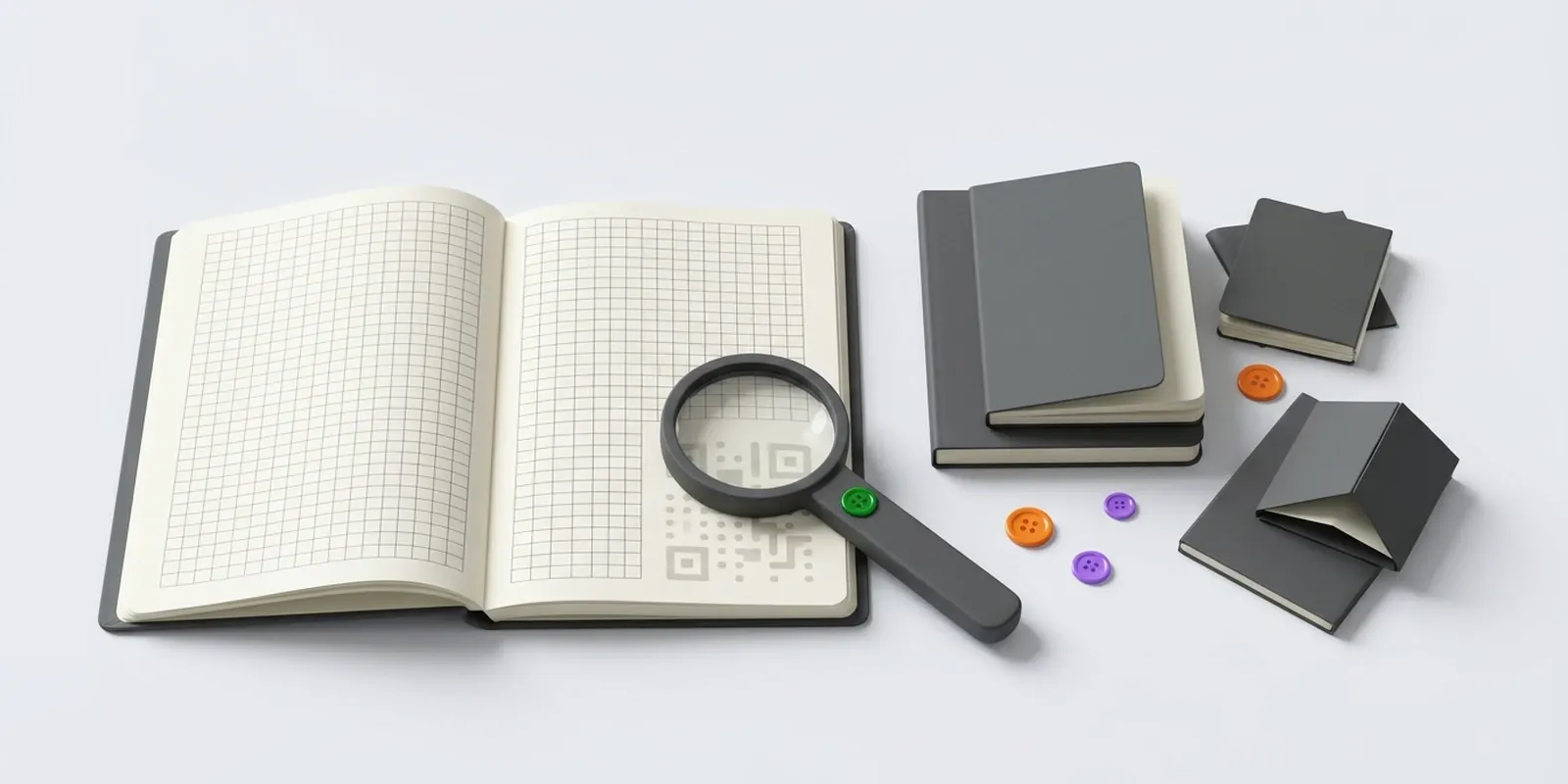
What’s inside
- The print form is built from the draft and locked when sent for signing
- PDF/A-3 with a signature sheet, the amount in words and a QR code
- A public verification page in six languages, no sign-in required
- SHA-256 comparison of your copy with the signed file
- Each signature shows exactly what was signed: the details and hash, the file itself or the print form
- A print form in several languages at once, with the sender’s language first
- Download the original, XML, a PDF with the signature sheet or a ZIP of the entire document flow
- Document log: who opened, approved, signed or sent it through roaming
Terms and limitations
The ZIP archive of the document flow with signature files is available for signed documents.
Questions and answers
How do I verify a paper copy of a signed document?
Scan the QR code on the print form. A public page with the signatures and the file hash opens, no sign-in required.
Can I make sure the file was not changed after signing?
Yes. Upload your copy on the verification page: A3.EDM compares its SHA-256 hash with the hash of the signed file.
In what language is the print form generated?
In any of the six interface languages or in several at once, for example Kazakh and Russian. The sender’s language comes first.
Where it is used
Other features
Ready to discuss moving to electronic document management?
We will show how your documents go through approval and signing, and help you connect counterparties and 1C.